
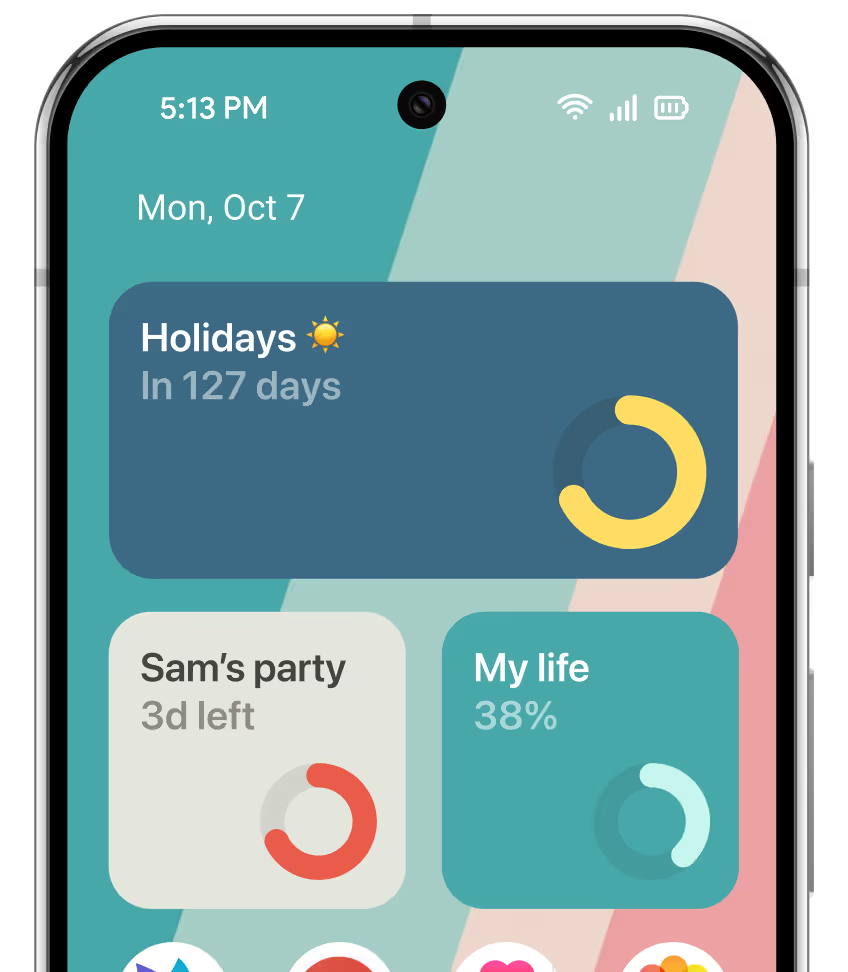
STEP 1
Create or customize your countdown widget in Pretty Progress.
1
Open Pretty Progress.
2
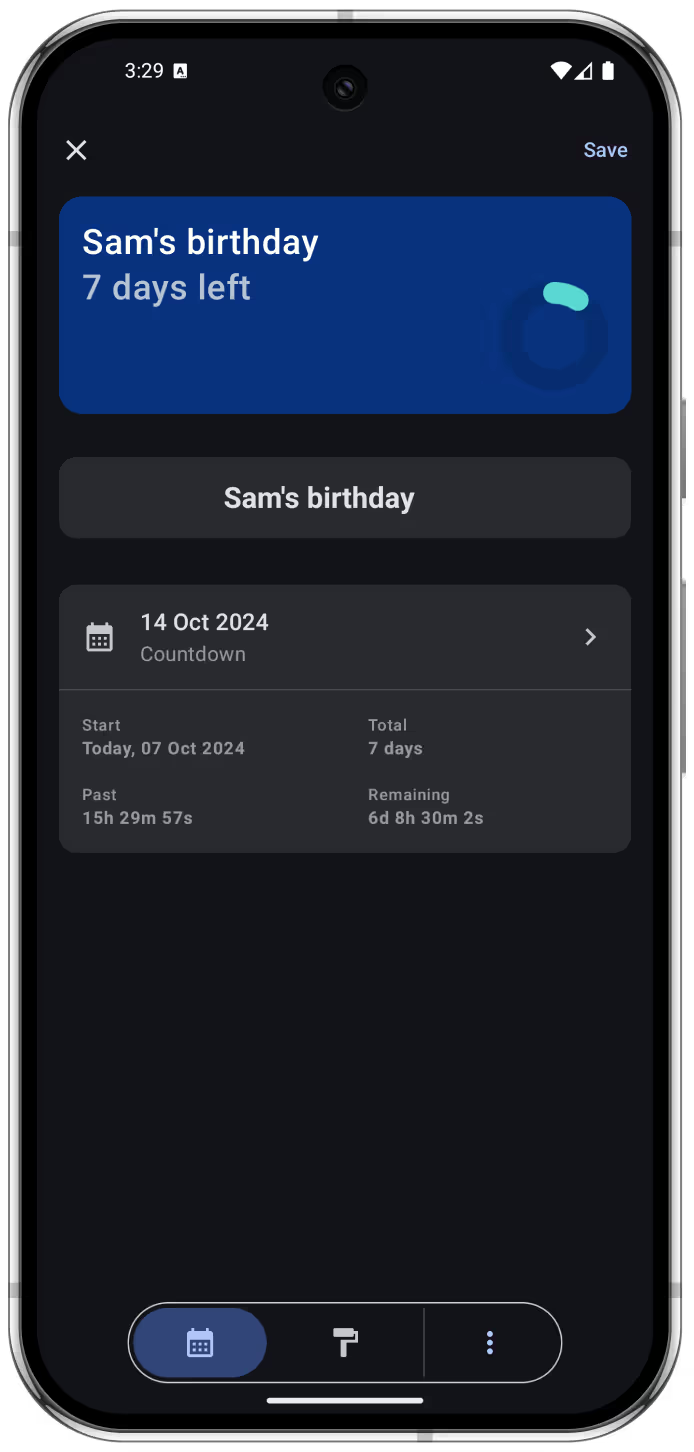
Tap the (+) button to create a new countdown. You can also select and edit an existing countdown.
3
Tap the date selector and choose “Countdown” or “Count up”.
4
Select the starting date. The default is the date when you create the countdown.
5
For a countdown, enter the final date or deadline. A count up can be created without an end date.
6
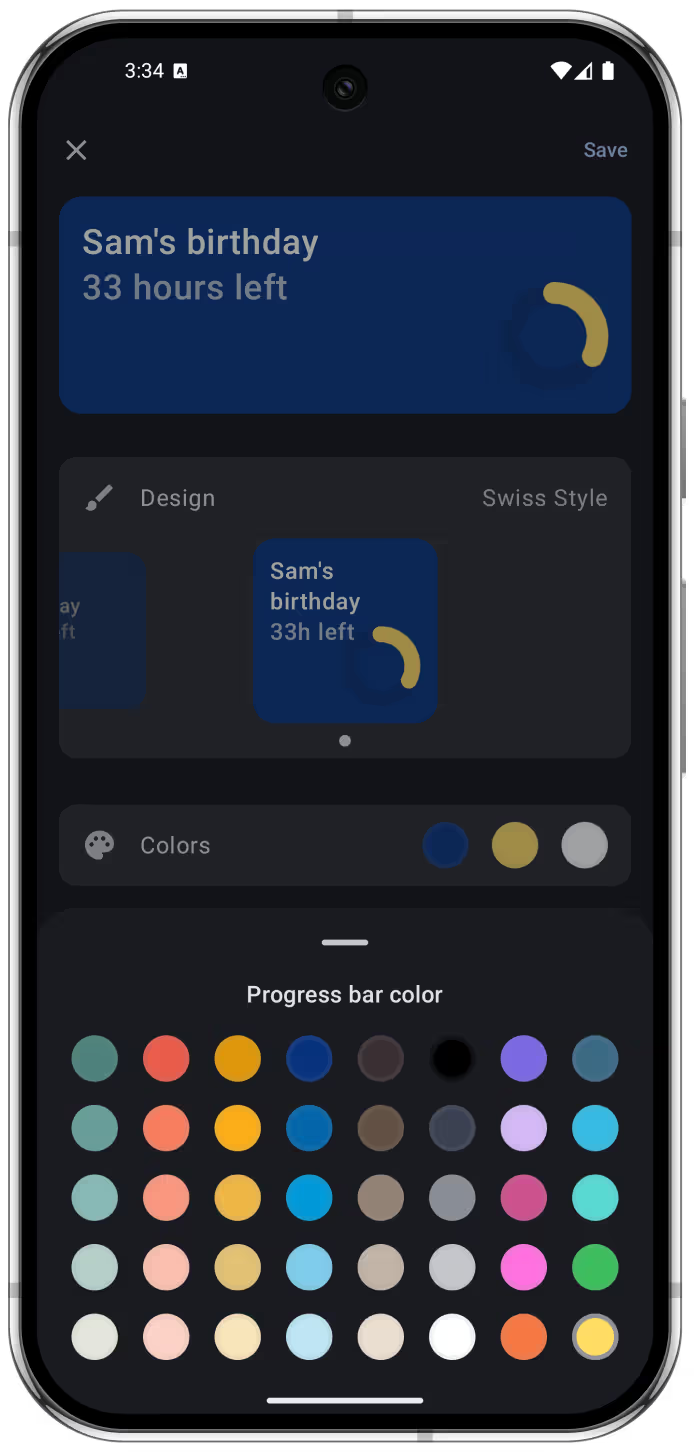
In the second tab of the bottom menu, personalize the countdown using the available designs and customization options.
7
When you are happy with the result, tap the checkmark button to save the event.
8
The countdown will appear on the Pretty Progress Home Screen with your other countdowns.
STEP 2
Add your countdown widget to your Android Home Screen
1
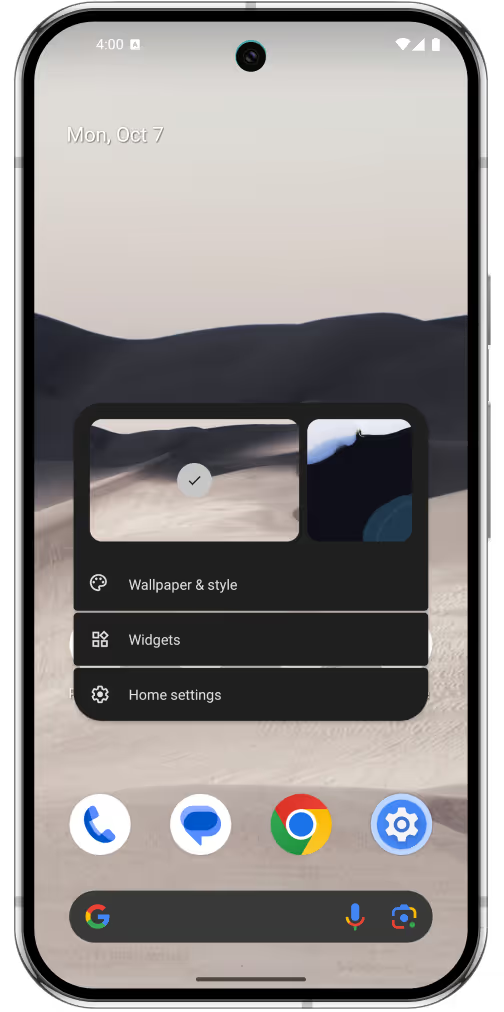
Go to any page on your Home Screen.
2
Touch and hold an empty area until customization mode opens.
3
Tap the “Widgets” button.
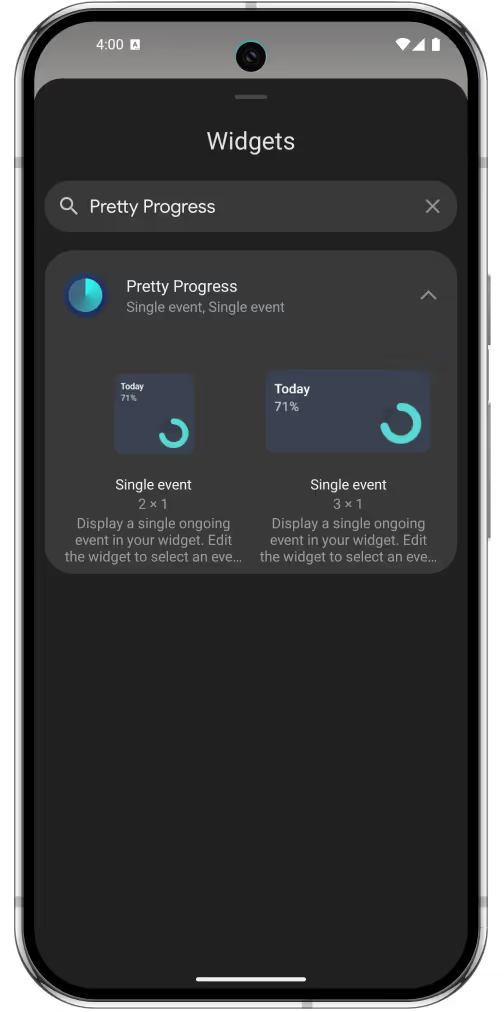
4
Find Pretty Progress in the widget list by scrolling or searching for the app name.
5
Choose a widget size and tap “Add Widget”.
6
The widget will be added to your Home Screen.
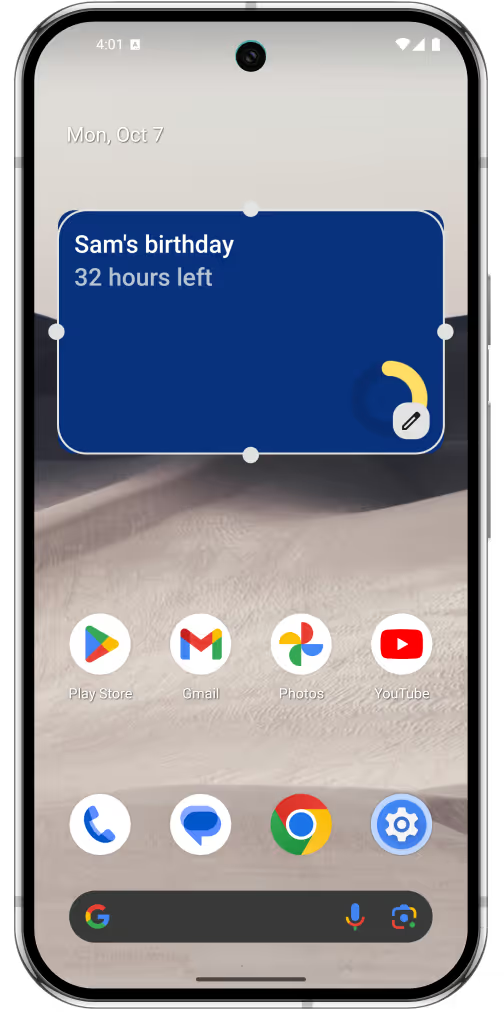
7
Choose the event you want to display.
8
You can rearrange and resize the widget while editing the Home Screen.
9
Touch and hold the widget whenever you want to edit its size or event.
Download today for free
Track important moments with beautiful countdown and progress bar widgets.




