Scan to get Pretty Progress

Point your camera at the code and we’ll open the right store for your phone.

Scan this QR code to download Pretty Progress

What percentage of the year has passed?

See how much of the year is over and how much remains. Check today’s progress or choose another date in the current year.

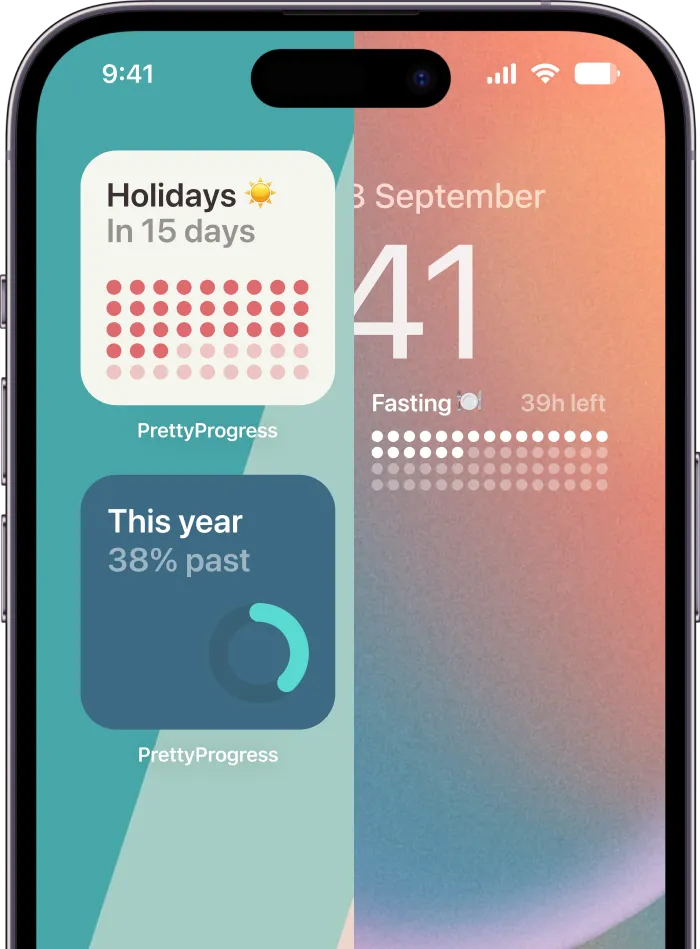
An iPhone screen closeup showing countdown widgets of this year percentage
Track the percentage of the year on your iPhone’s Home Screen & Lock Screen
Year elapsed
—
Year remaining
—
Calendar
Now by default. Select date and time to calculate percentages
Find a date by percentage
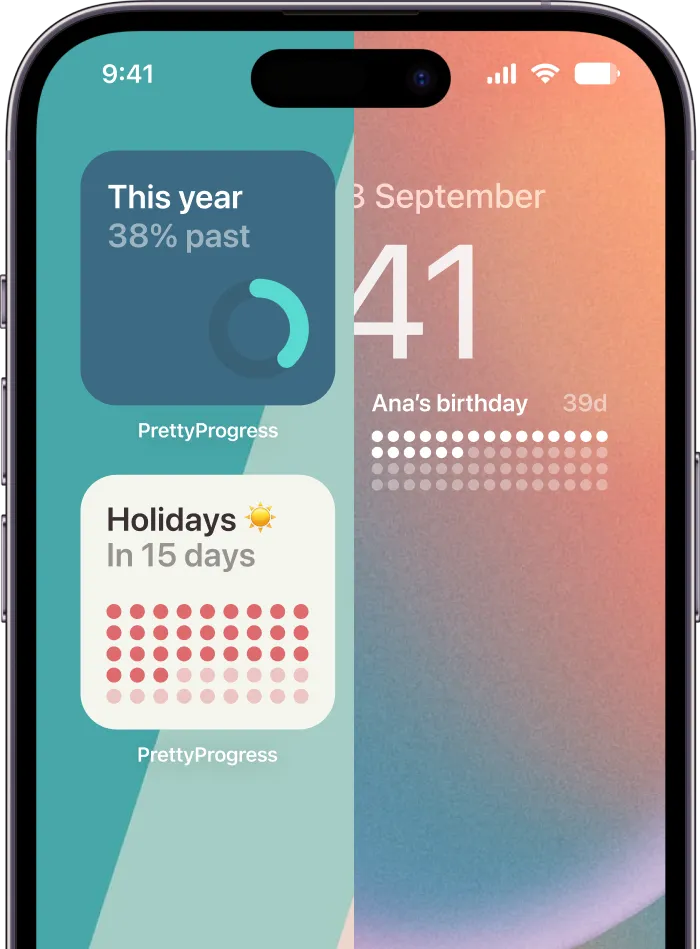
iPhone showing widgets with the percentage of the year that has passed
Track the percentage of the year or any other event on your iPhone’s Home Screen & Lock Screen
Also available on iPad, Apple Watch & Mac (Silicon)

When does the year reach each percentage?

Year

The table shows when the year reaches each whole percentage in your local time. In a 365-day year with 24-hour days, September 4 starts at 67.40% and ends at 67.67%, rounded to two decimal places.

0%
1st January, 00:00
Looking for other time calculator tools?

Keep exploring