
Track your fasting with a Countdown Widget on your iPhone.
A beautiful fasting app to support you. Add countdown widgets and timers on your Home Screen and Lock Screen and get results with always on reminders.

Aesthetic design

All fasting levels

Multiple goals

Widgets

Notifications

Multi device sync


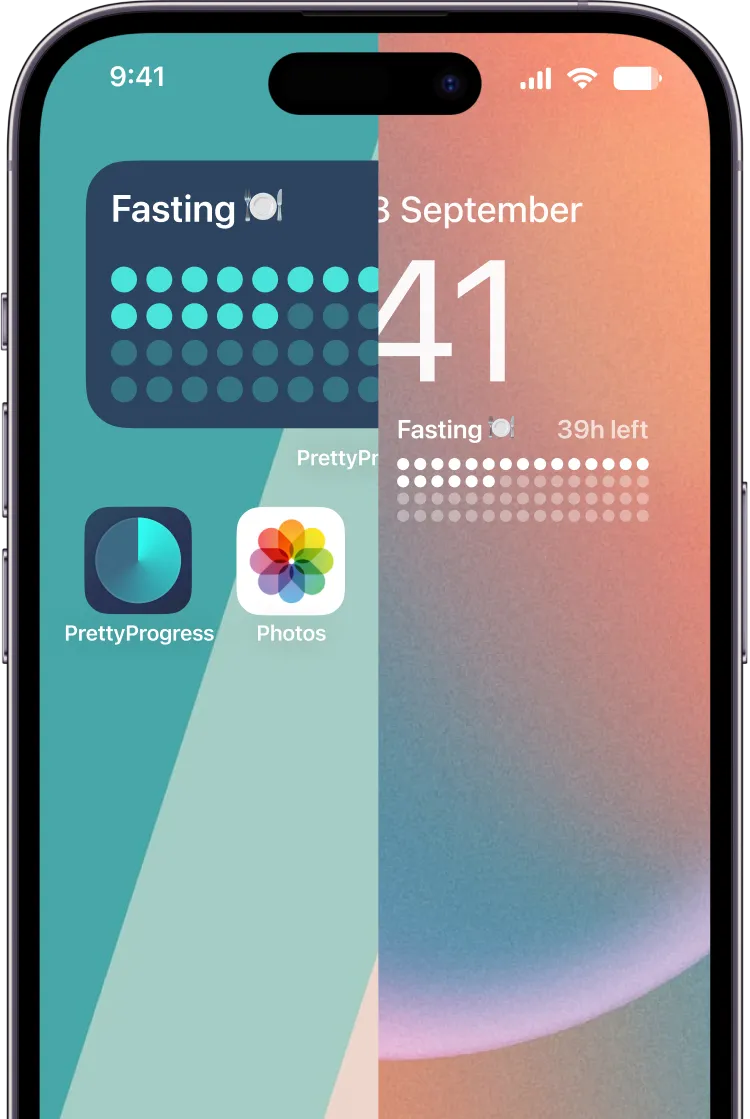
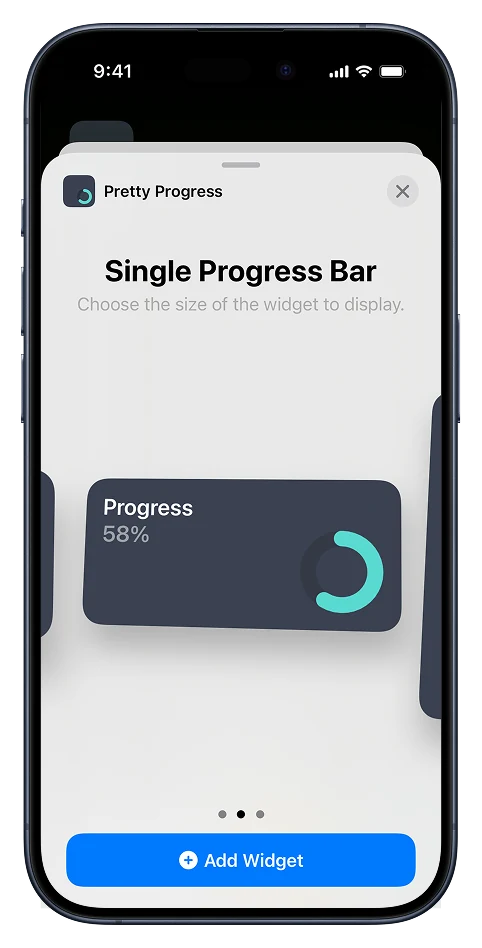
Home Screen widgets
Lock Screen widgets
Hungry for greatness?
Start with a fast.
Embrace fasting as part of a balanced lifestyle and maximise the benefits backed up by scientific research.

Improved health
Weight loss, increased energy, reduced inflammation and improved immune system.
Heart health
Improved blood pressure, enhanced cholesterol, and reduce risk of heart diseases.
Metabolic health
Enhanced insulin sensitivity, regulate blood sugar, and healthy metabolism.
Autophagy
Cellular cleanse, tissue regeneration, and damaged cells removal.
Brain health
Mental clarity, neurodegenerative protection, and improved memory.
Enhance your fasting journey with Pretty Progress.
Effortless fast tracking
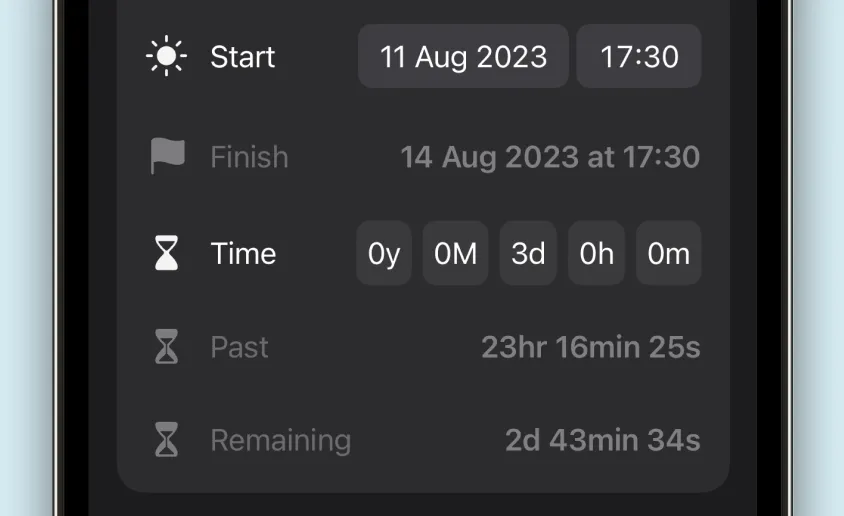
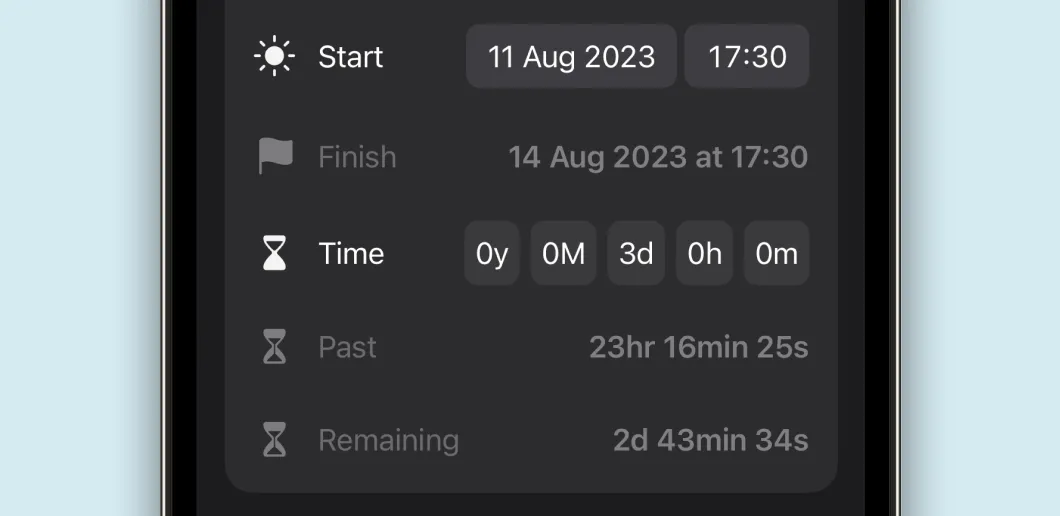
Easily monitor fasting hours or eating windows and track progress. Set up your preferred fast and achieve your health goals with ease.
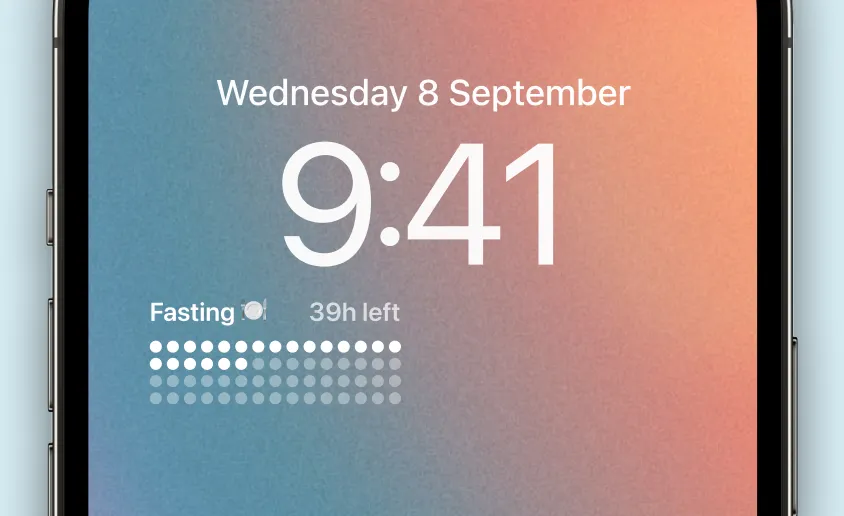
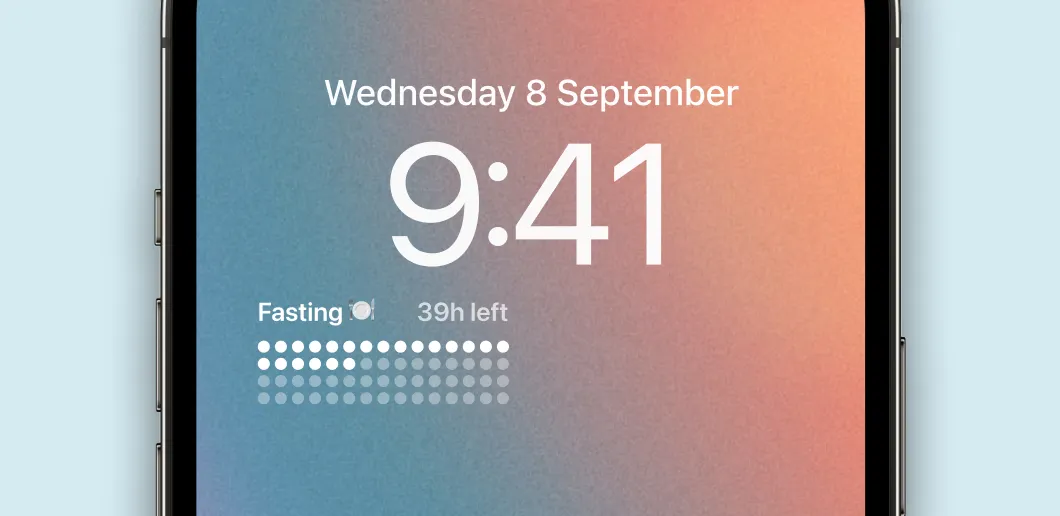
Progress at a glance
View and control your fasting journey effortlessly with Lock Screen widgets. Keep your goals always visible to stay motivated.
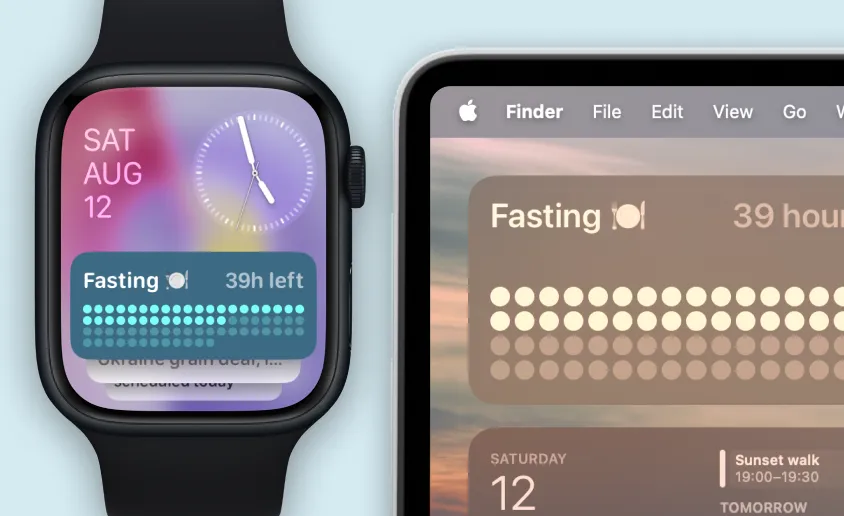
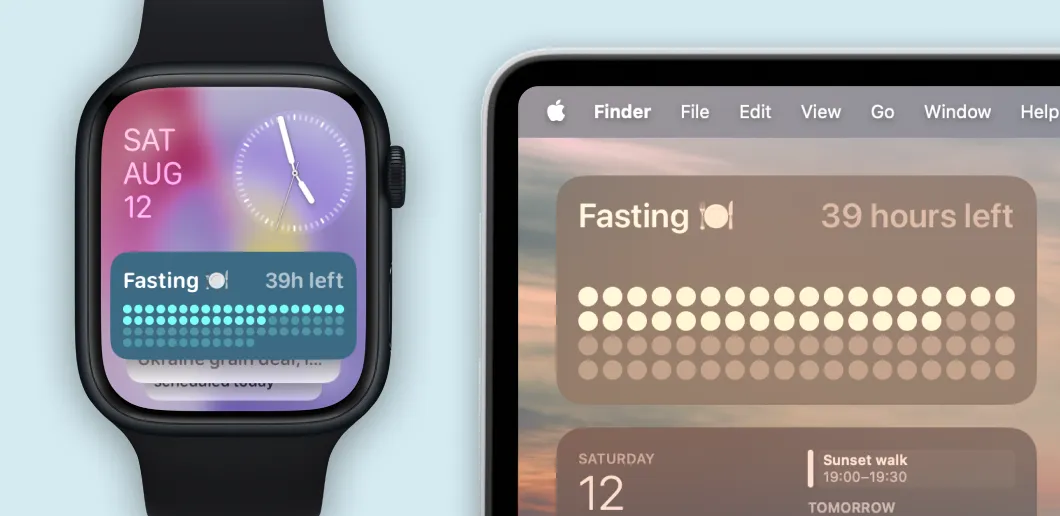
Seamless synchronisation
Monitor your fast on all Apple devices. Whether you're on your iPhone, iPad, Apple Watch, or Mac, keep your goals wherever you go.
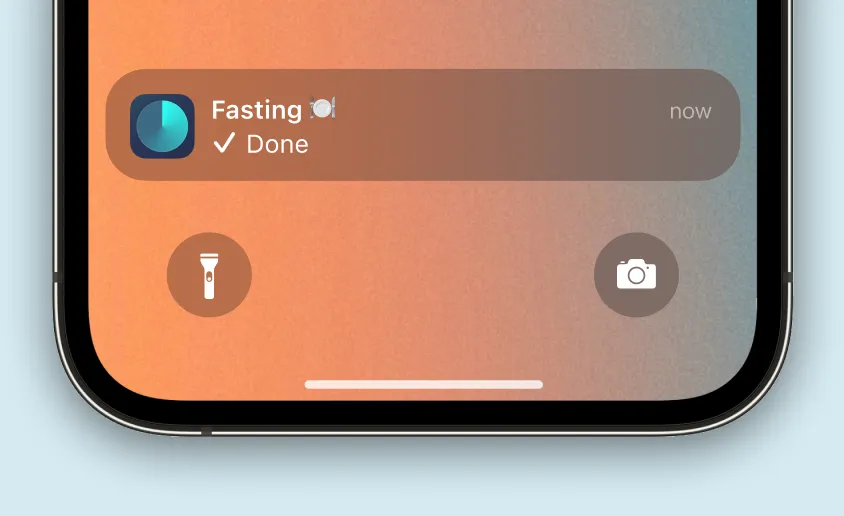
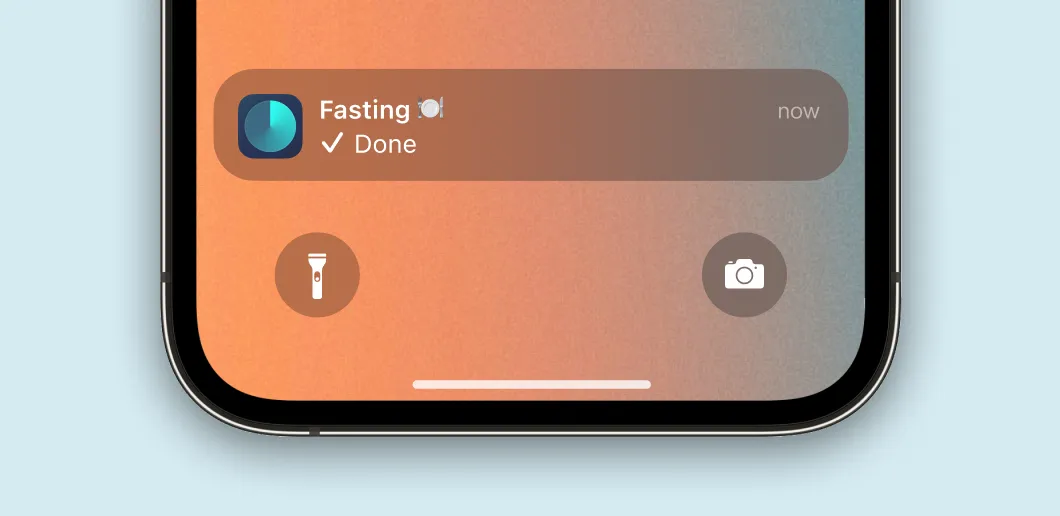
Get notified
Stay on course with timely alerts for fasting start and end times, making it easier to maintain your desired routine and achieve your health objectives.
And other awesome features
Customisable visualisations
Tailor your widget to suit your preferences and stay motivated.
Set repeat options
Establish consistent fasting patterns with recurring schedules.
Multiple counting options
Count in days, hours, minutes, or percentage of completion.
Add notes
Document your fasting experience, observations, or insights.
Show next fasting window
Know when your next fast or eating window starts and get ready.
Counting direction
Show the time left to finish your fast, or your current progress.
Ready to achieve your fasting goals?
Download Pretty Progress today for free and take control of your fasting journey.


Simple. Beautiful. Easy.
Easily add a beautiful countdown or timer widget on your Home Screen.
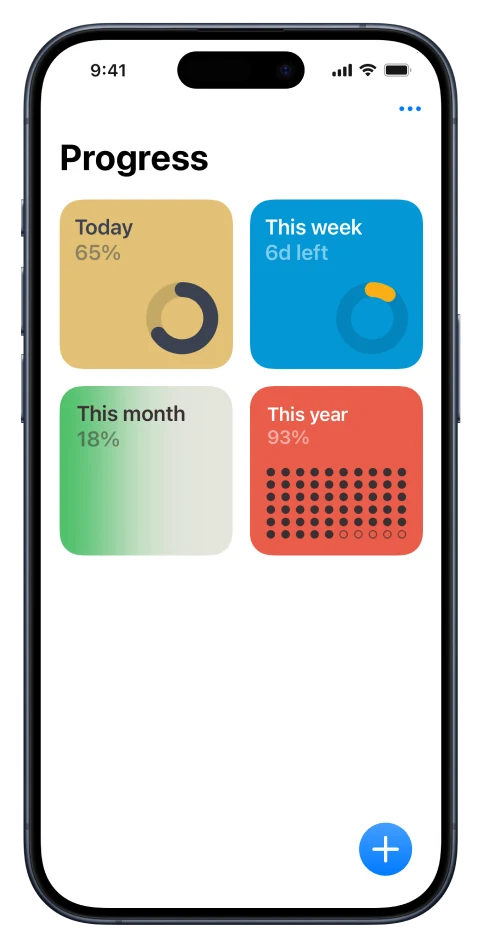
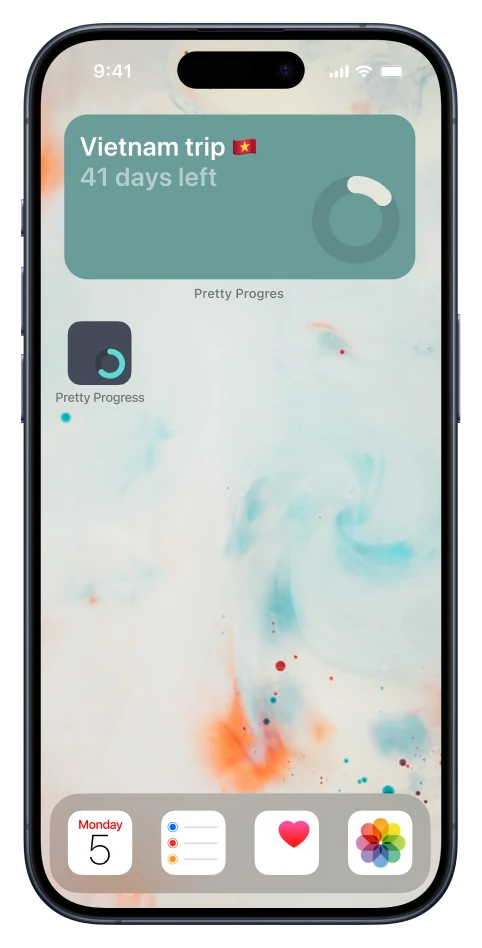
Level up your health. Choose a fasting plan.
Intermittent fasting (IF)
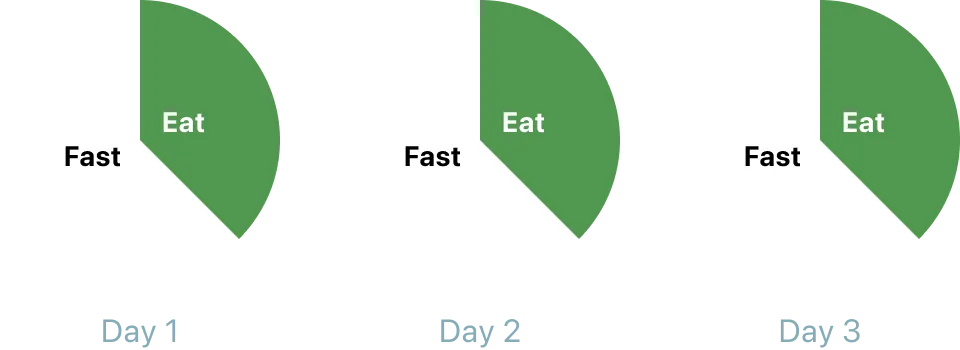
How to

Limited eating window in a day, every day
Ranges from 12 to 18 hours of fast per day
Main benefits

Weight loss and better metabolism
Improved insulin sensitivity & blood sugar control
Cell repair and longevity via autophagy
Better cognitive function and brain health
Alternate-day fasting (ADF)
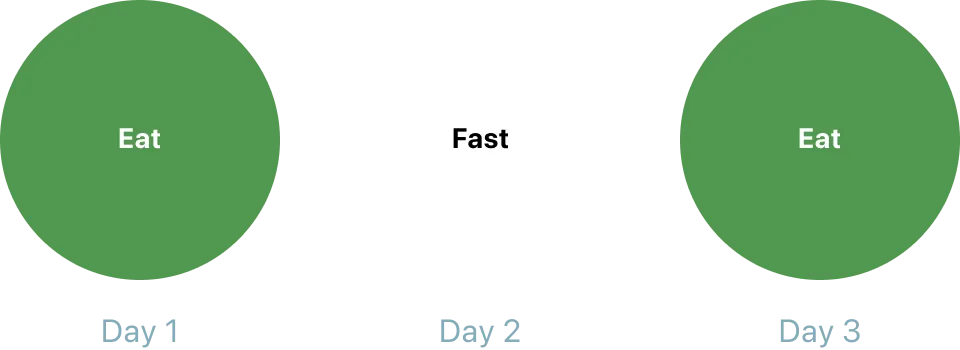
How to
Alternate one day fasting with one day eating
Eat up to 500Kcal on fasting days as needed
Main benefits
Weight loss and better metabolism
Improved metabolic flexibility
Cell repair and longevity via autophagy
Reduction in inflammation markers
One-meal-a-day fasting (OMAD)
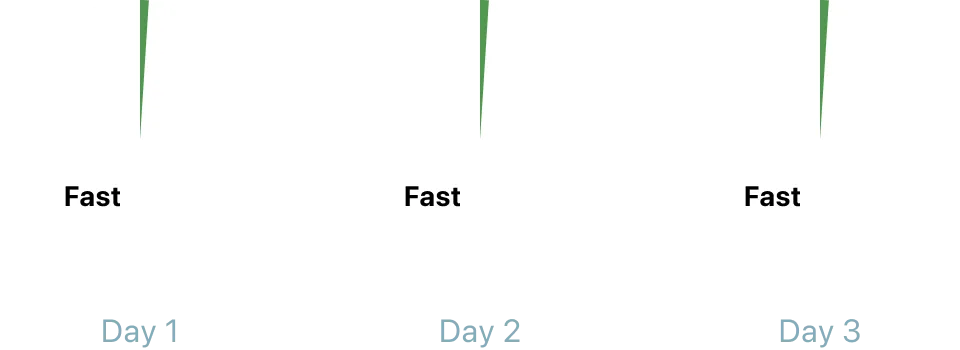
How to
Eat only one meal per day
23-hour fast, 1-hour eating
Main benefits
Simple weight management
Better insulin control and fat burn
Time-saving and focused mind
Reduction in inflammation markers
Prolonged fasting (PF)
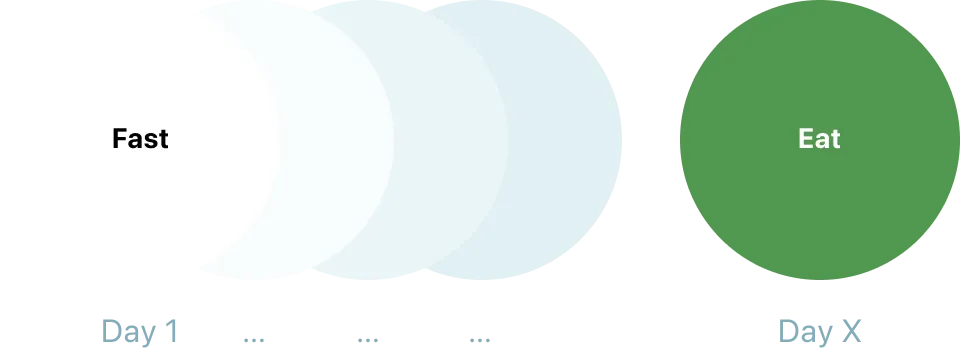
How to
Fasting for more than 24 hours in a row
Most common duration is 3 days fasting
Main benefits
Deep cell healing via autophagy
Hormonal reset and metabolism boost
Stronger immune system and cell renewal
Clearer mind and spiritual connection
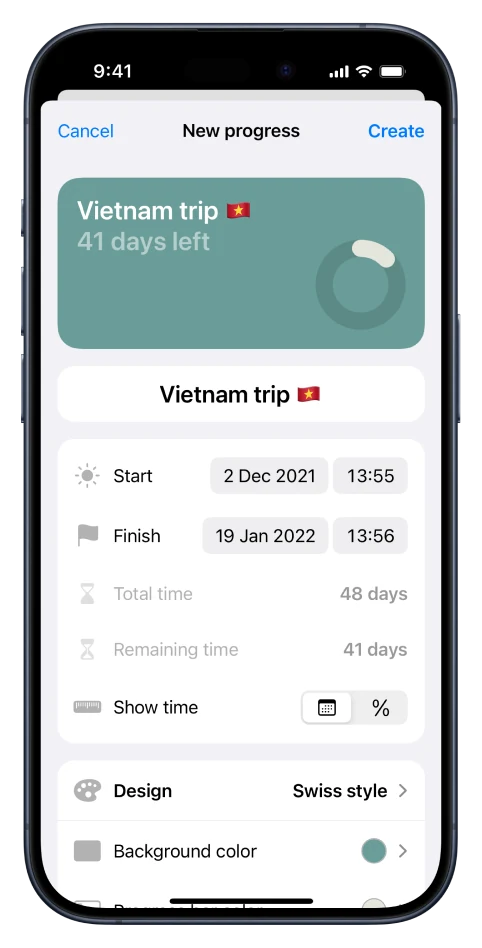
Level up your health.Set up a fasting countdown widget.
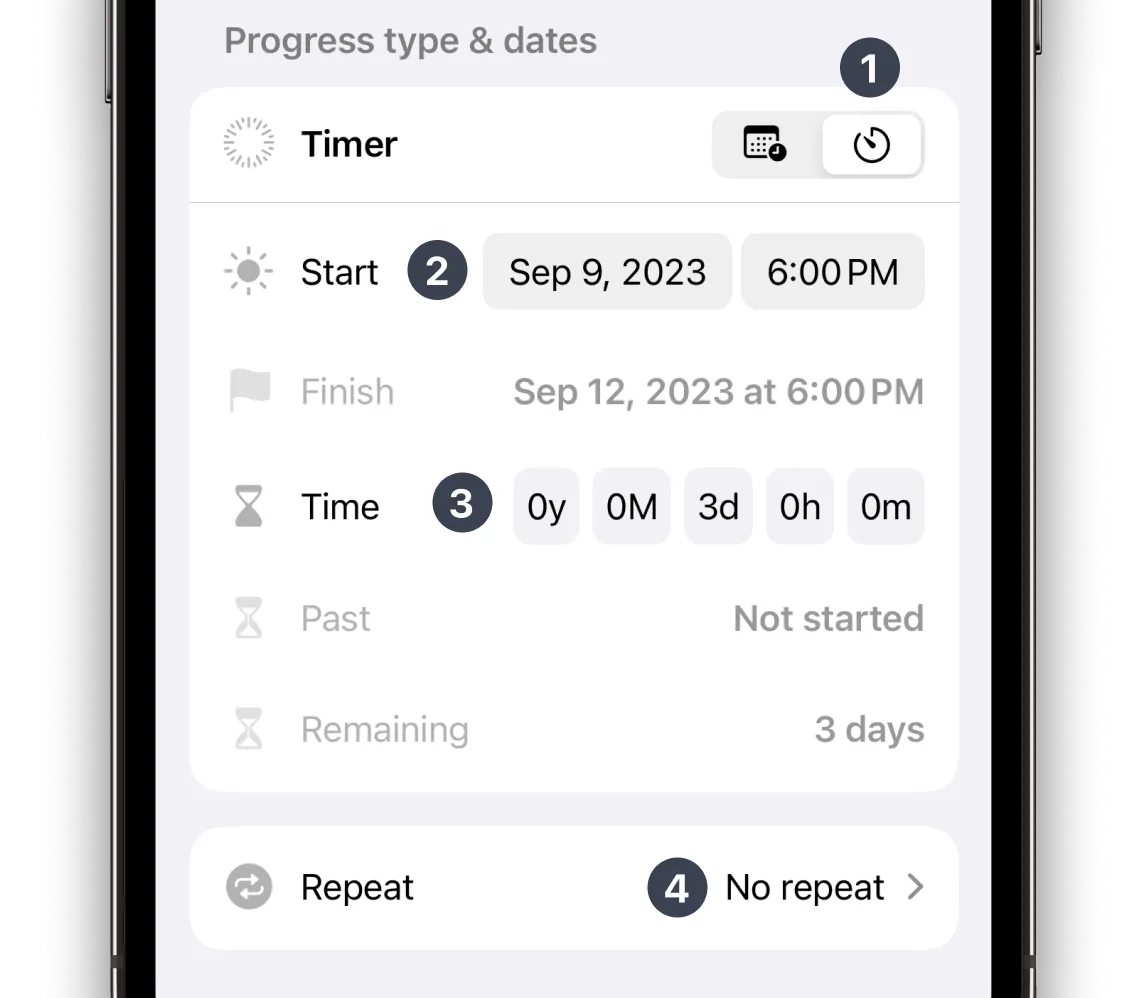
Select Timer type of progress
Set the beginning of your fasting as the Start date and time of your countdown
Set the Time you want to fast according to your fasting plan
Set a Repeat option if you want to repeat your fast
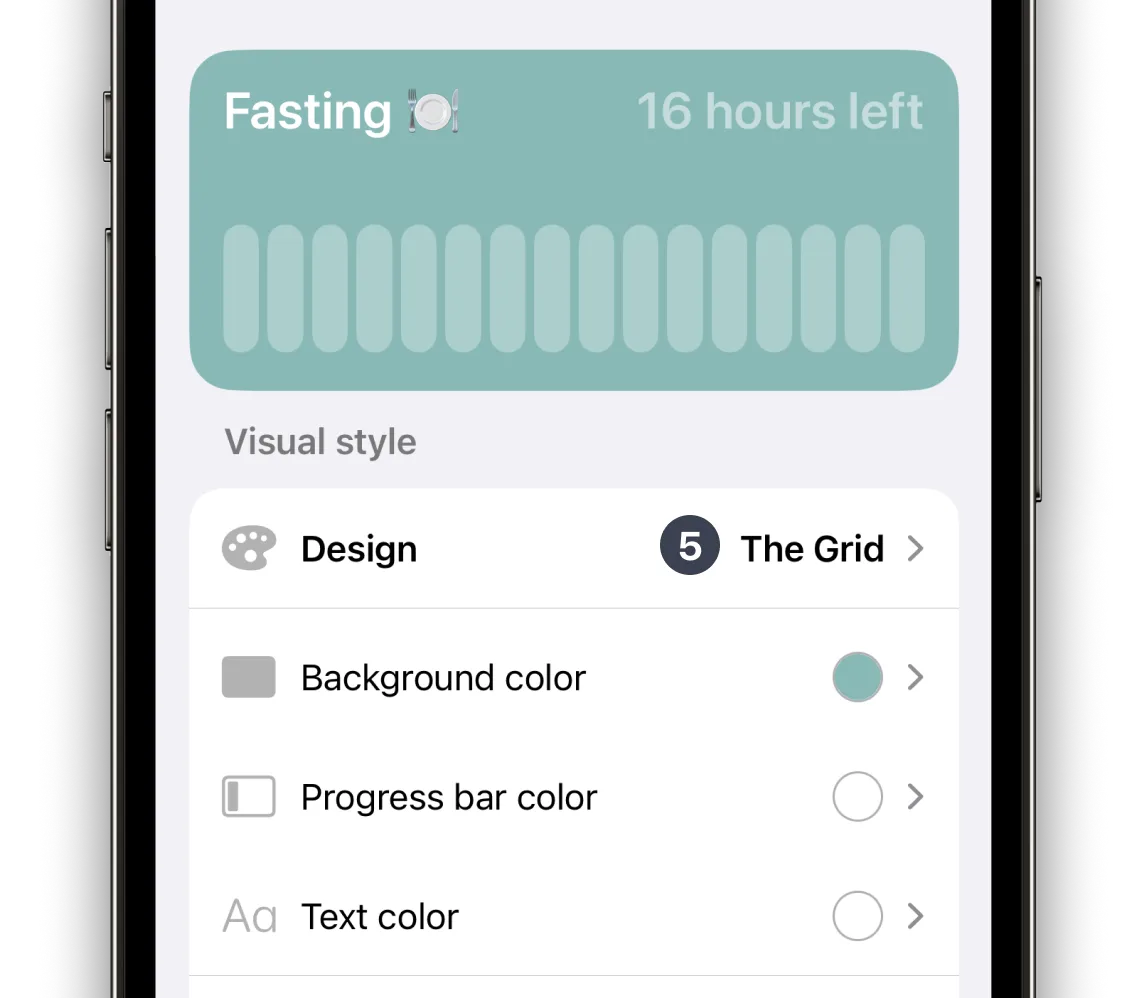
Customise your countdown with different themes and colours, and create a widget that motivates you to achieve your fasting goals
Make fasting a priority.
Prioritise your health and well-being.
Experience positive impacts on both your mind and body.
Maximise the benefits.
Achieve more with Pretty Progress.
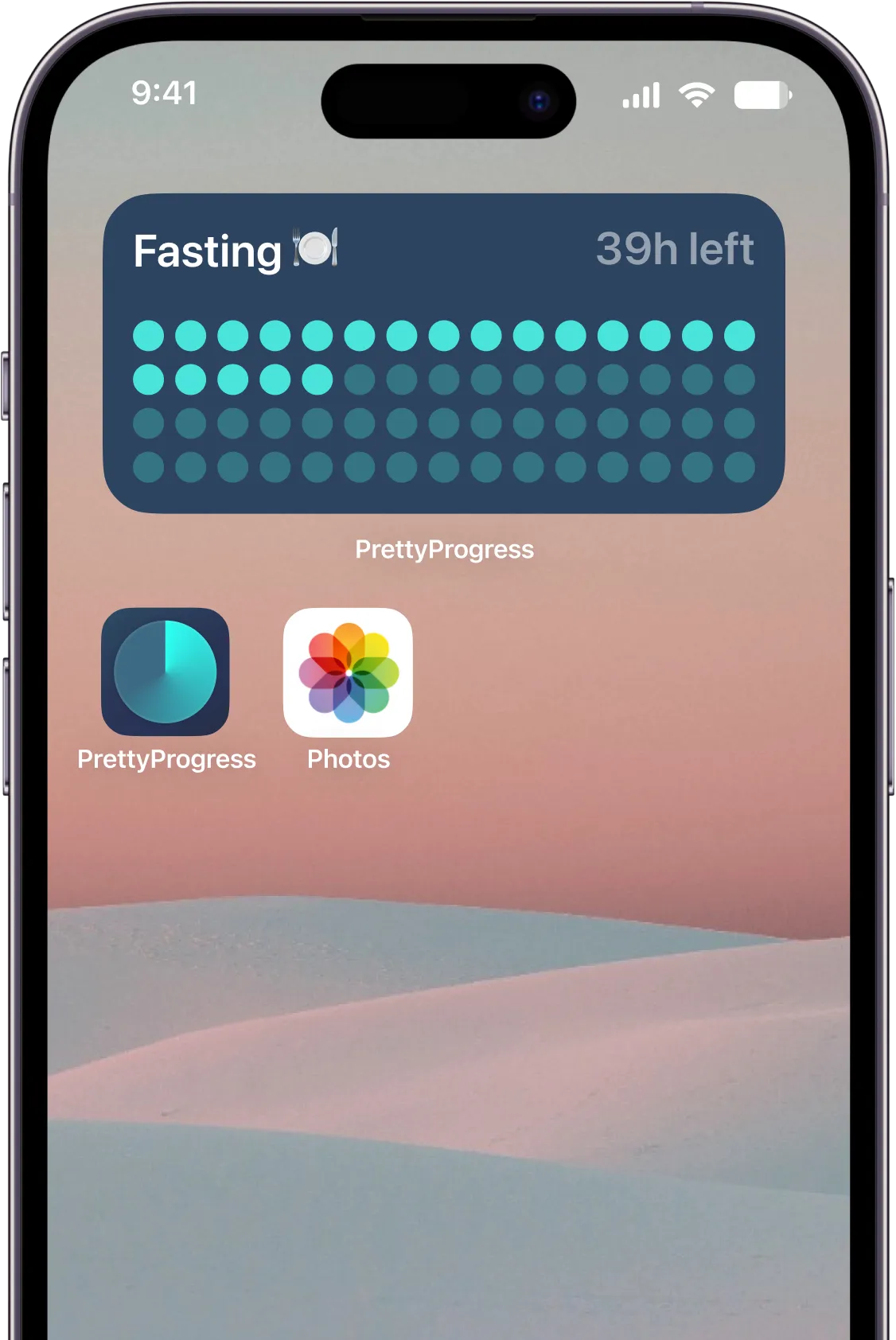
Stay consistent
Customise your fasting tracker
Visualise your fasting progress
Keep your motivation
Take control of your fasting journey
Ready to achieve your fasting goals?
Download Pretty Progress today for free and take control of your fasting journey.


