Scan to get Pretty Progress

Point your camera at the code and we’ll open the right store for your phone.

Scan this QR code to download Pretty Progress

Add a love reunion countdown widget on your iPhone.

Set a timer to count the days until the day you reunite with the person you love.

Add it to your Home Screen or Lock Screen on iPhone, iPad, or Apple silicon Mac, and look forward to your reunion.

On your Home Screen.
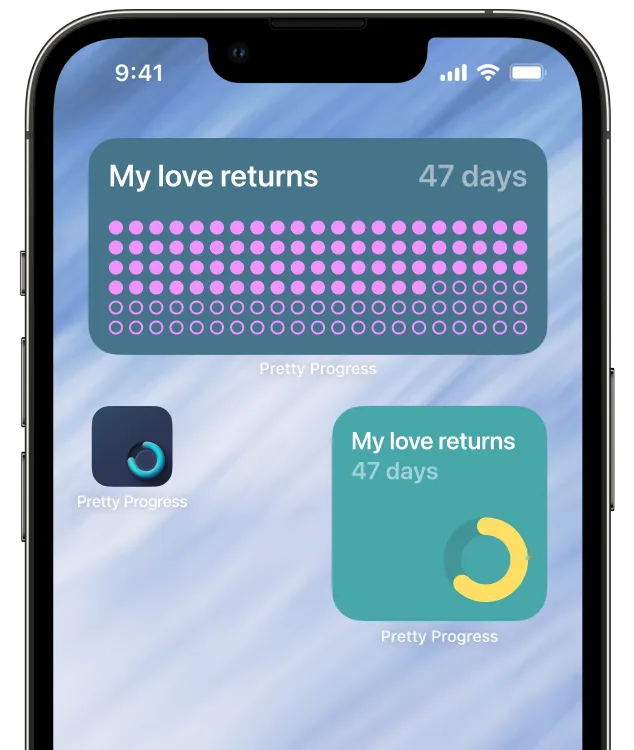
iPhone showing a countdown for love reunion on the Home Screen

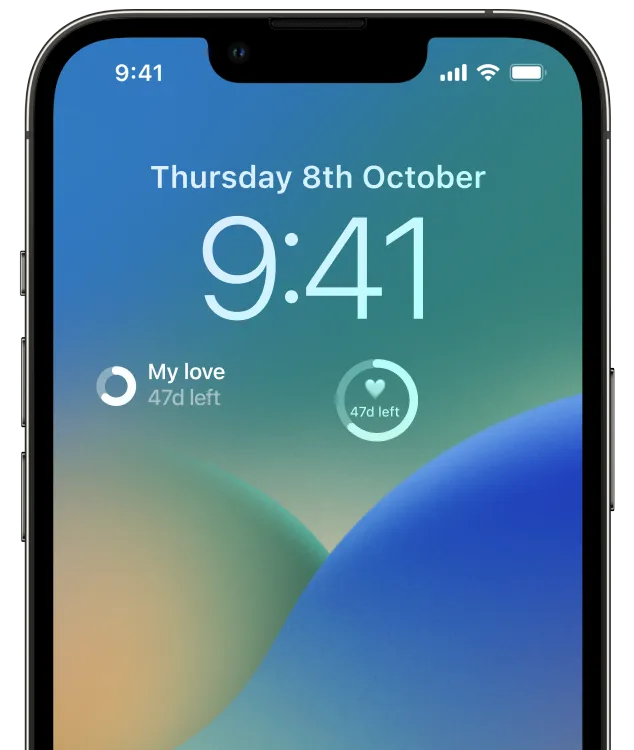
On your Lock Screen.

iPhone showing a countdown for love reunion on the Lock Screen

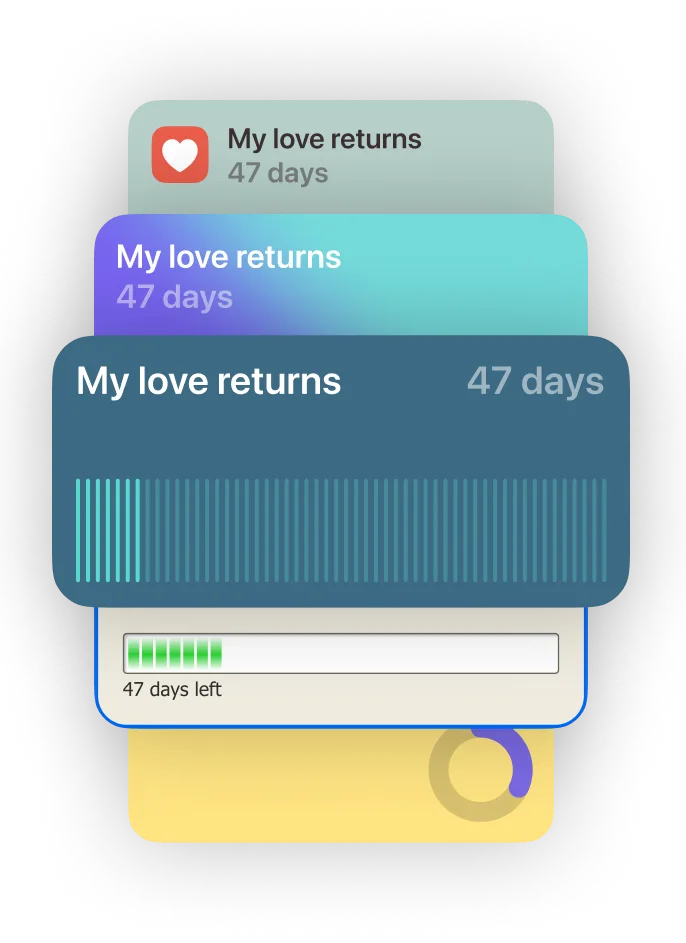
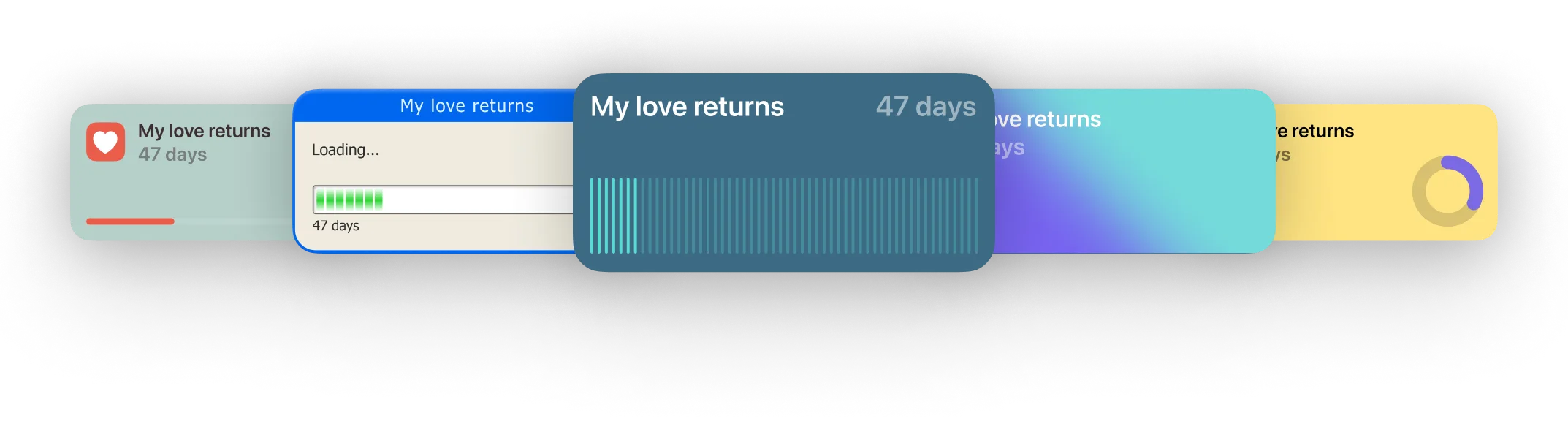
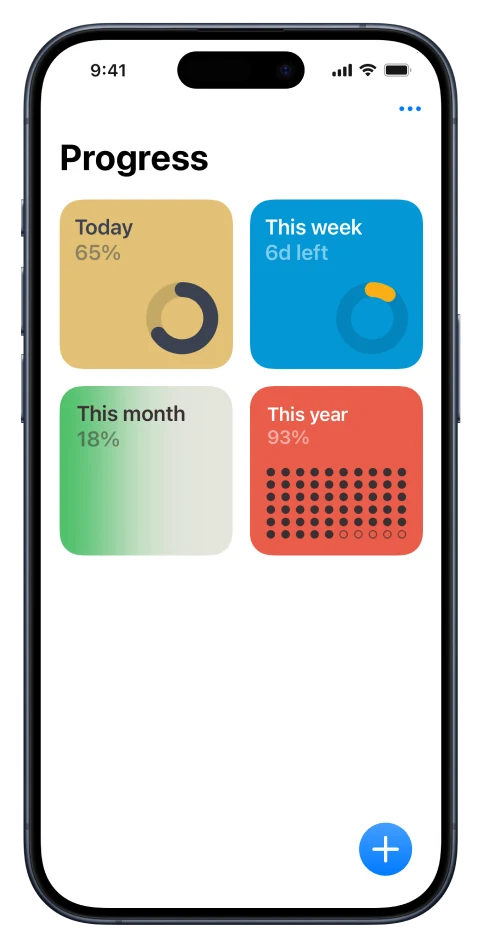
Choose from 5 initial templates.

Countdown widgets with different designsCountdown widgets with different designs

Download today for free

Count down to your next big day with a widget on your iPhone

Simple. Beautiful. Easy.

Easily add a beautiful countdown or timer widget on your Home Screen.
Add widget process step 1. Download app

1

Download Pretty Progress app on your iOS device.

Download here
Add widget process step 2. Create widget

2

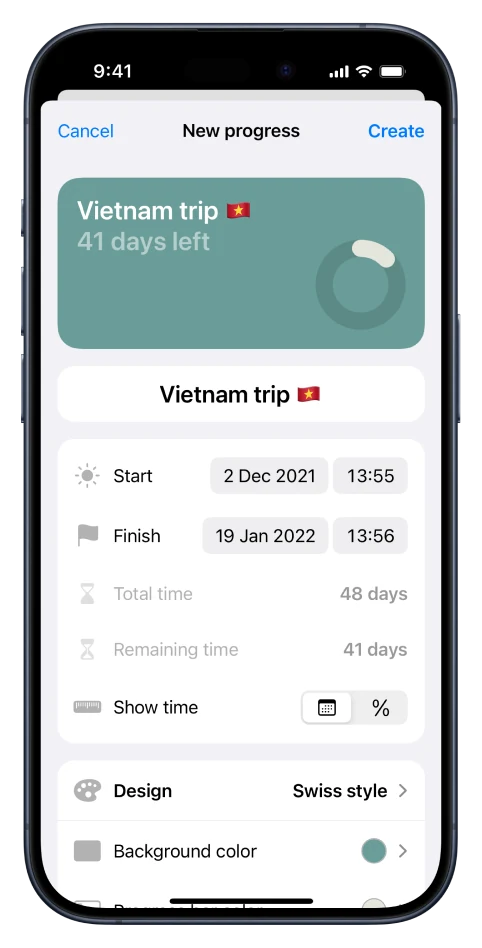
Create and customise your countdown. Start / end dates, name, design, colors...

Add widget process step 3. Add widget to Home Screen

3

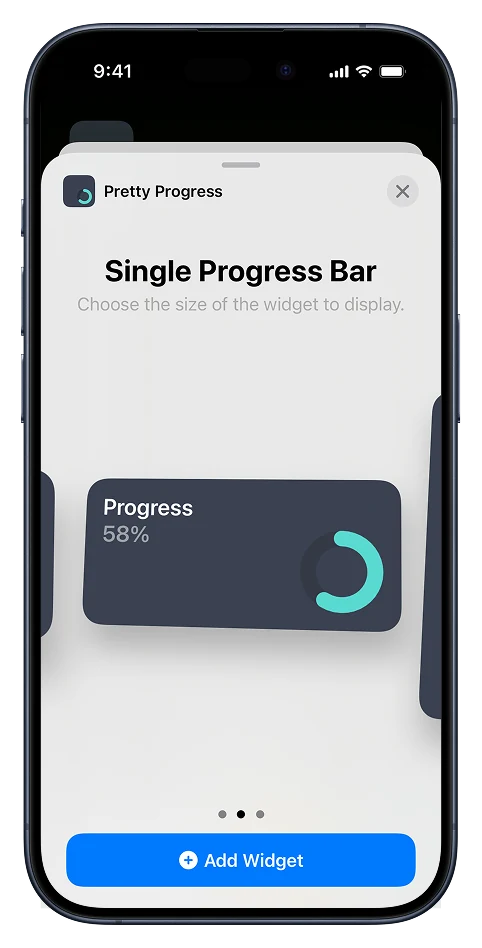
Long tap on your Home Screen, tap the (+) button and select Pretty Progress.

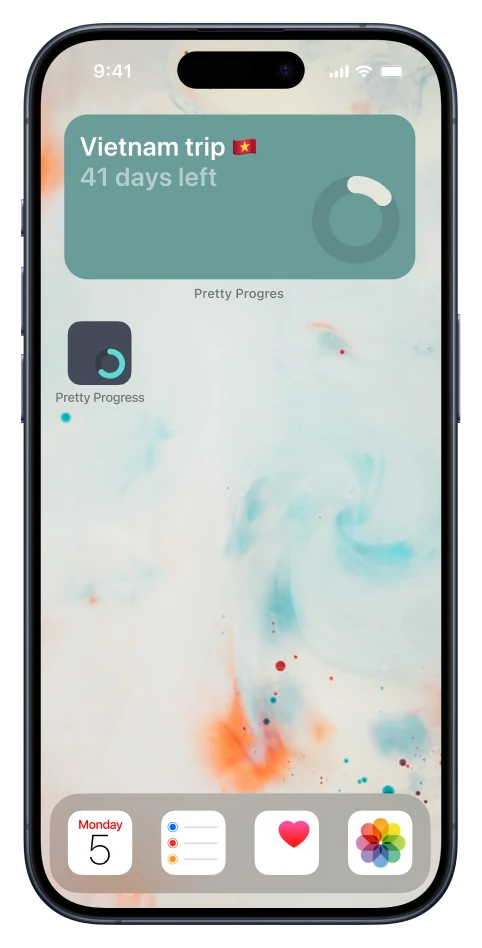
iPhone showing a countdown widget on its Home Screen

4

Add your widget and start tracking your progress on your Home Screen.

Download now for free

Count down to your next big day with a widget on your iPhone